

Download Project64 Legacy – Nintendo 64 emulator, free emulator, open-source emulator, classic games, retro gaming, PC emulator, Project64 Legacy, N64 emulator, emulator for Windows, gaming on PC
Overview
Project64 Legacy is a free and open-source emulator designed to bring classic Nintendo 64 gaming to modern PCs with minimal friction. Built on the foundation of the original Project64, this tool aims to deliver a straightforward, reliable, and accessible experience for retro gaming enthusiasts. The app is tailored for users seeking to play vintage N64 titles without the need for original hardware, offering a bridge between nostalgia and contemporary computing environments.
It serves both casual players rediscovering childhood favorites and seasoned emulation hobbyists looking for a stable, lightweight platform. The developer, Project64, has maintained a focus on simplicity and compatibility, ensuring that users can launch games quickly and with consistent results. While the developer did not provide additional technical details about the development team or organizational background, the project’s open-source nature suggests community-driven maintenance and transparency.
Real-world use cases include personal gaming sessions, retro game collections, and educational exploration of classic game design. In the broader app ecosystem, Project64 Legacy stands out as a dedicated utility within the niche of retro gaming tools, filling a critical gap for users who value accessibility and authenticity in emulation.
Key Features & Functionality
- Easy Installation: The setup process requires no complex configuration. Users can unzip the provided archive and launch the executable directly, enabling immediate access to their ROM library.
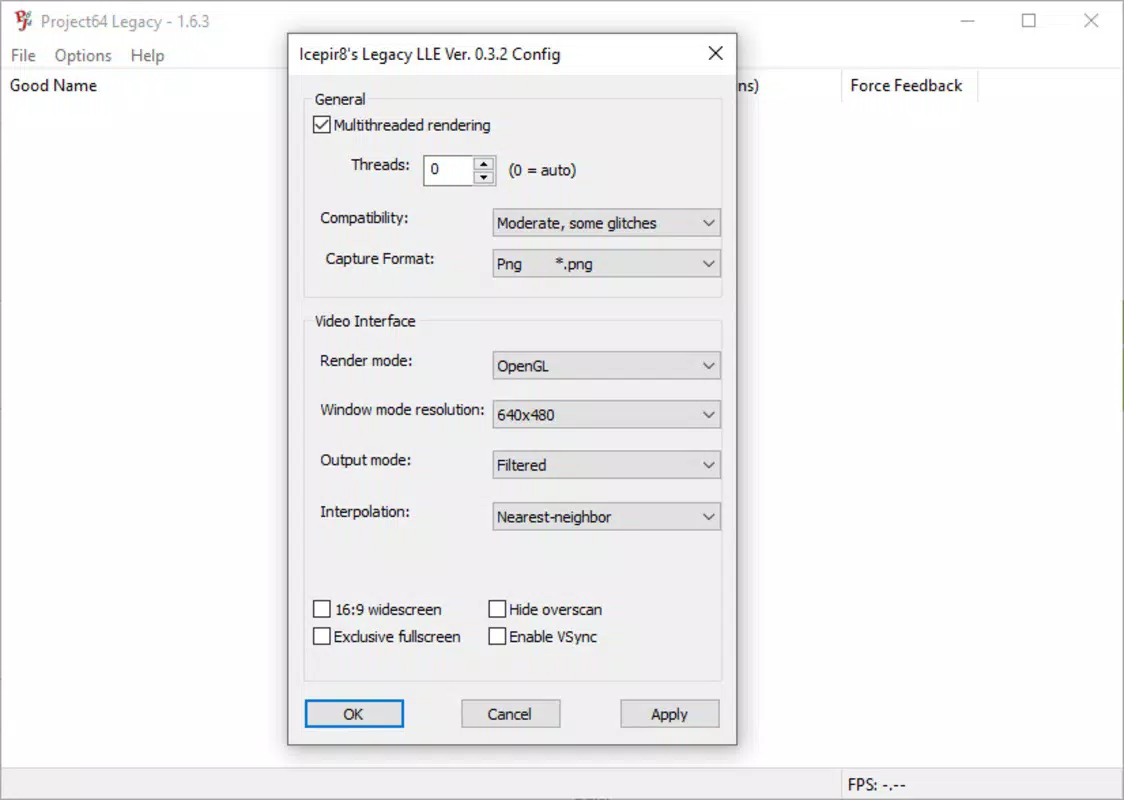
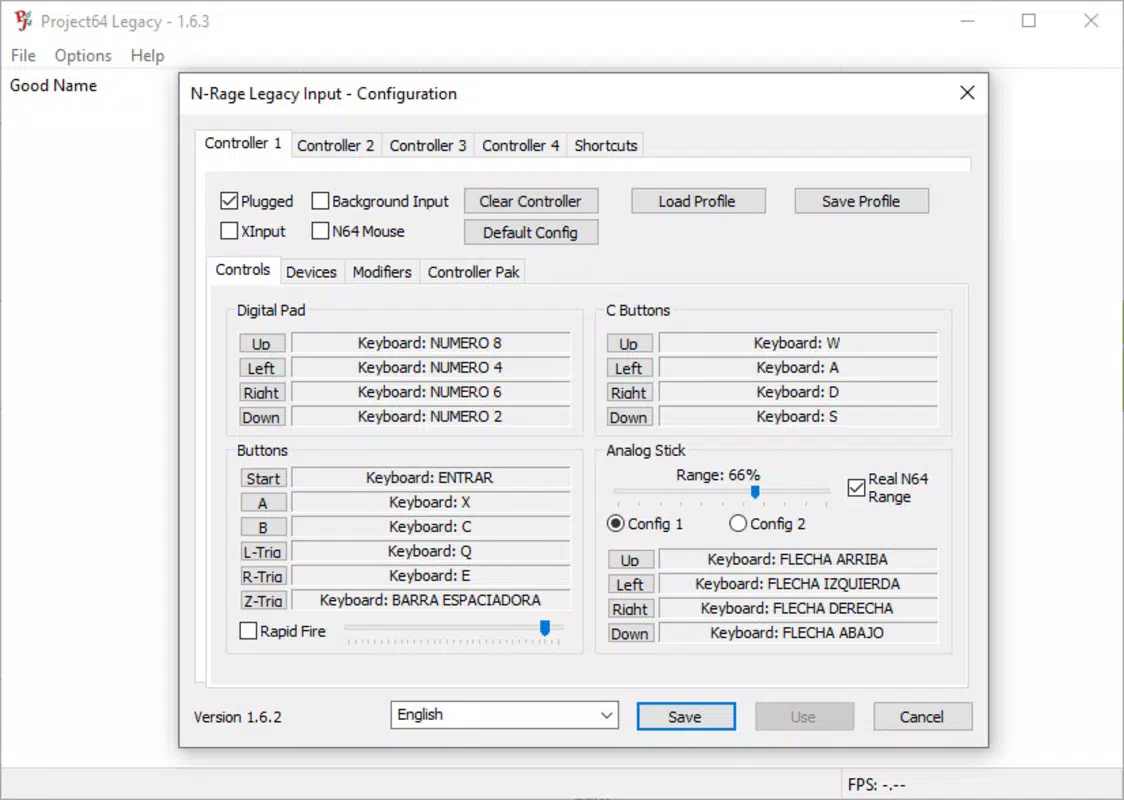
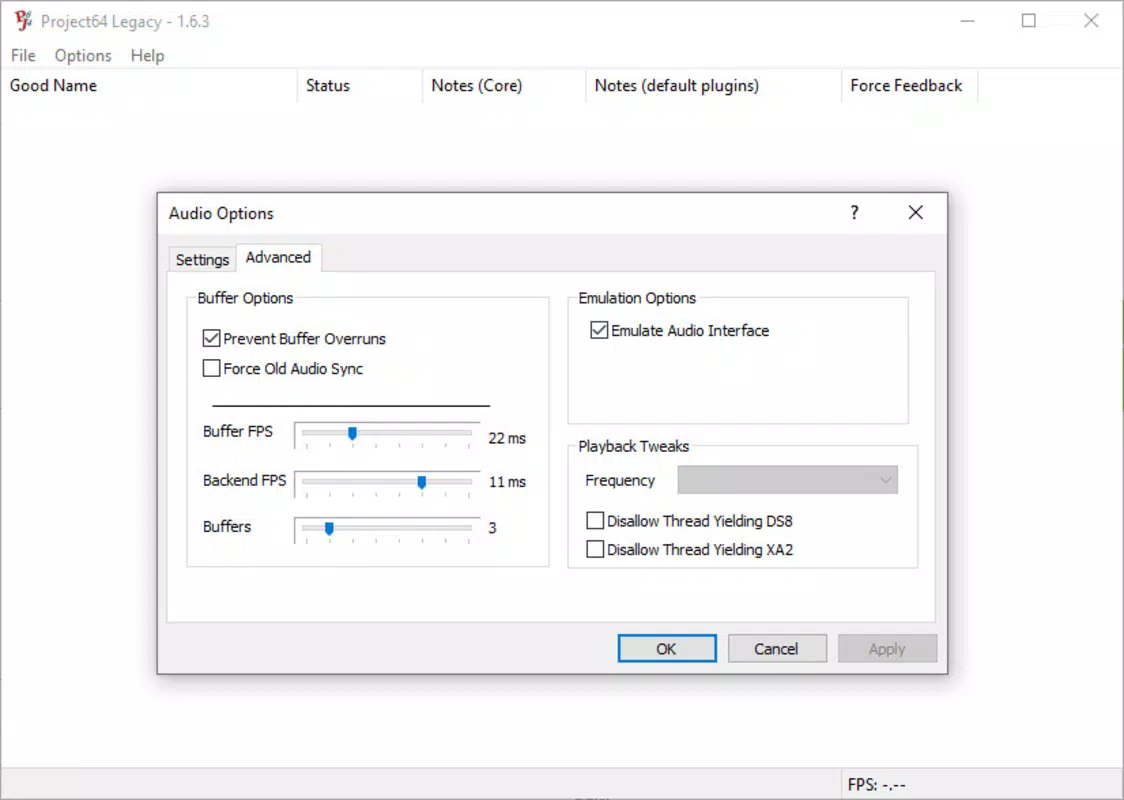
- Customization Options: A built-in plugin system allows users to fine-tune graphics rendering, audio output, and input controls, enabling optimization for individual games and hardware setups.
- Minimal System Requirements: Designed for broad compatibility, the emulator runs on systems dating back to 2003, requiring only SSE2-capable CPUs, 512 MB of RAM, and a compatible graphics card.
- High Compatibility: Project64 Legacy supports the vast majority of Nintendo 64 games, ensuring that users can experience the original game catalog with minimal visual or functional issues.
- Lightweight and Efficient: With a file size under 5 MB, the app consumes minimal storage and system resources, making it ideal for older or low-spec machines.
For example, a user with a 2005-era desktop can install the emulator and run titles like Super Mario 64 or GoldenEye 007 without performance degradation. The plugin system allows advanced users to experiment with different graphics plugins to enhance visual fidelity while maintaining stable frame rates. The minimal footprint ensures that the emulator runs smoothly even on devices with limited memory and processing power, making it a practical choice for users across various hardware tiers.
Interface, UX & Performance
Project64 Legacy features a clean, no-frills interface focused on functionality over aesthetics. The layout prioritizes accessibility, with core controls and settings arranged in clearly labeled menus. Navigation is intuitive, allowing users to load ROMs, configure plugins, and adjust system settings with minimal clicks.
The design avoids clutter, reducing cognitive load and helping users focus on gameplay. Although the developer did not list formal performance metrics, the emulator’s lightweight nature suggests consistent responsiveness across different device categories. Users on older systems may experience smooth operation due to low resource consumption, while newer machines benefit from stable, uninterrupted gameplay.
Stability appears to be a core design goal, with minimal reported crashes or glitches during standard use. The emulator handles ROM loading efficiently, with quick startup times and minimal lag. While the developer did not specify compatibility with touch-based or tablet interfaces, the interface is optimized for traditional mouse and keyboard input.
Overall, the user experience is streamlined and effective, particularly for users familiar with emulation workflows.
Platform Compatibility & Technical Requirements
Project64 Legacy is available exclusively for Windows, making it accessible to users on desktop and laptop systems running the Windows operating system. The current version is 2.3.0, with a file size of 4.9 MB, indicating a highly compact application. The developer did not specify minimum OS requirements or exact version compatibility, but given the emulator’s minimal system demands, it is likely compatible with Windows XP and later versions.
The app requires a CPU with SSE2 support and at least 512 MB of RAM, though actual performance may vary based on the specific ROM and plugin configuration. The developer did not list formal requirements for graphics drivers or additional software dependencies. Compatibility information was not fully disclosed, so users are advised to test the emulator on their specific setup.
Despite the lack of detailed specifications, the app’s small footprint and broad hardware compatibility suggest it can run on a wide range of Windows-based devices, including older or low-end systems.
Pros and Cons
Pros
- Free to download and use with no hidden costs
- Extremely lightweight with a file size under 5 MB
- Minimal system requirements for broad device compatibility
- Open-source and transparent development model
- Supports nearly all Nintendo 64 games with high compatibility
Cons
- Platform limited to Windows only
- Developer did not provide detailed technical specifications
- Interface lacks modern visual polish
- No official support for mobile or macOS platforms
- Plugin configuration may require technical knowledge for optimal results
FAQ
Is Project64 Legacy safe to download and use?
Yes, the emulator is free and open-source, meaning its code is publicly available for review. As long as the download is obtained from an official source, it is considered secure and free from malware.
Can I play Nintendo 64 games on my PC using this emulator?
Yes, Project64 Legacy is specifically designed to emulate Nintendo 64 games on Windows PCs. You can load ROM files to play classic titles such as Super Mario 64, The Legend of Zelda: Ocarina of Time, and more.
Do I need a Nintendo 64 console to use this emulator?
No. The emulator replicates the hardware of the original console digitally, so no physical hardware is required. You only need a PC and a valid ROM file.
Is Project64 Legacy updated regularly?
While the developer did not specify update frequency, the open-source nature of the project suggests ongoing community contributions. Users are encouraged to check official channels for the latest version.
Can I use this emulator on my Android or iOS device?
Currently, Project64 Legacy is only available for Windows. There is no official support for Android, iOS, or macOS devices.
Final Thoughts
Project64 Legacy delivers a focused, efficient, and reliable solution for retro gaming on Windows. Its minimal setup, broad compatibility, and low system demands make it ideal for users of all experience levels, from newcomers to emulation veterans. The open-source model ensures transparency and long-term sustainability, while the lightweight design ensures accessibility across a wide range of hardware.
Although the interface is functional rather than visually modern, the emphasis on performance and stability is evident. For anyone looking to relive the magic of Nintendo 64 classics without the hassle of complex configurations, this emulator stands out as a top-tier choice. It’s not just a tool—it’s a gateway to a cherished era of gaming.
Download Project64 Legacy now.


